Visual Assembler - Commodore 64 & C64U
A downloadable tool for Windows, macOS, and Linux
Build real Commodore 64 machine code visually.
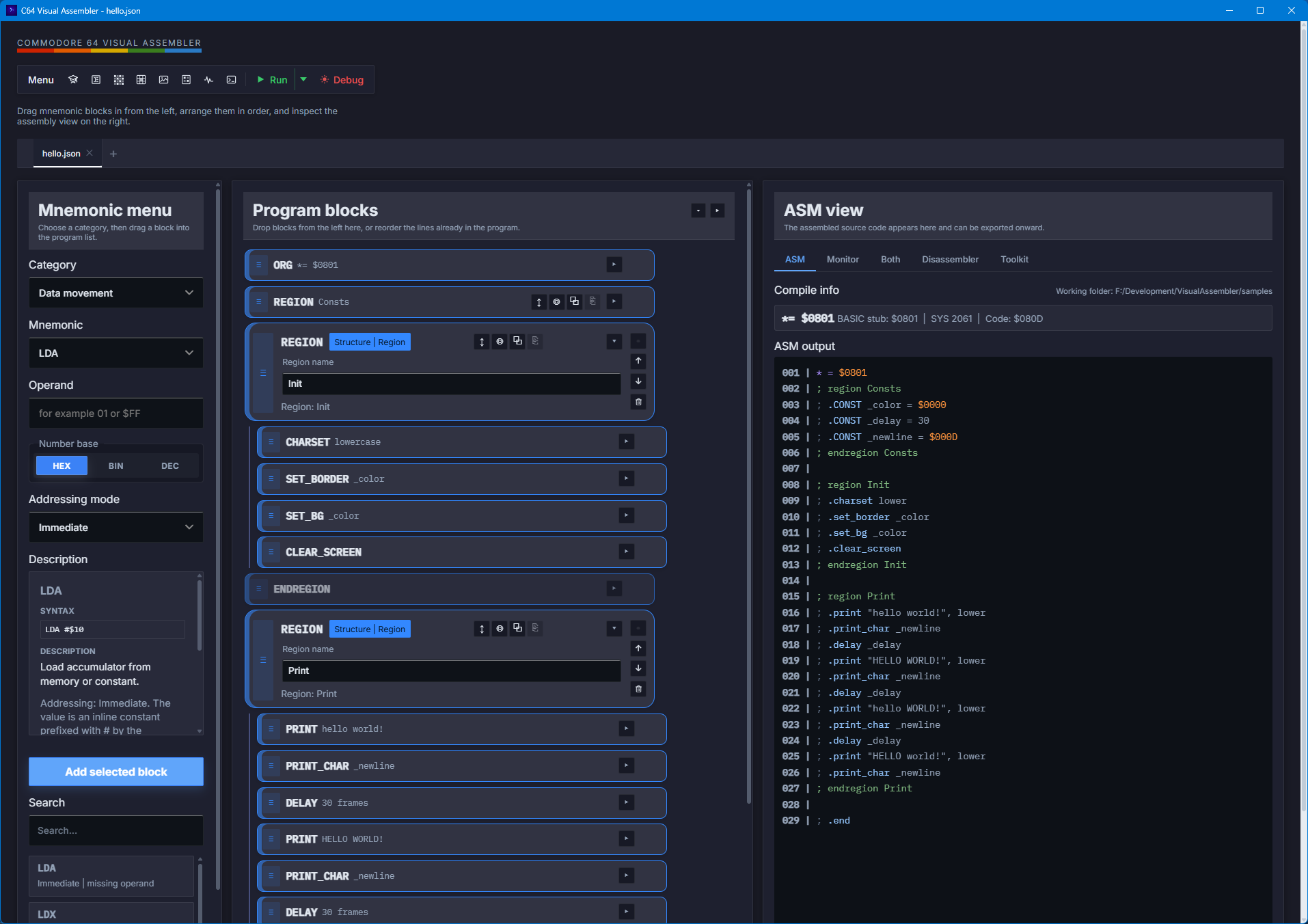
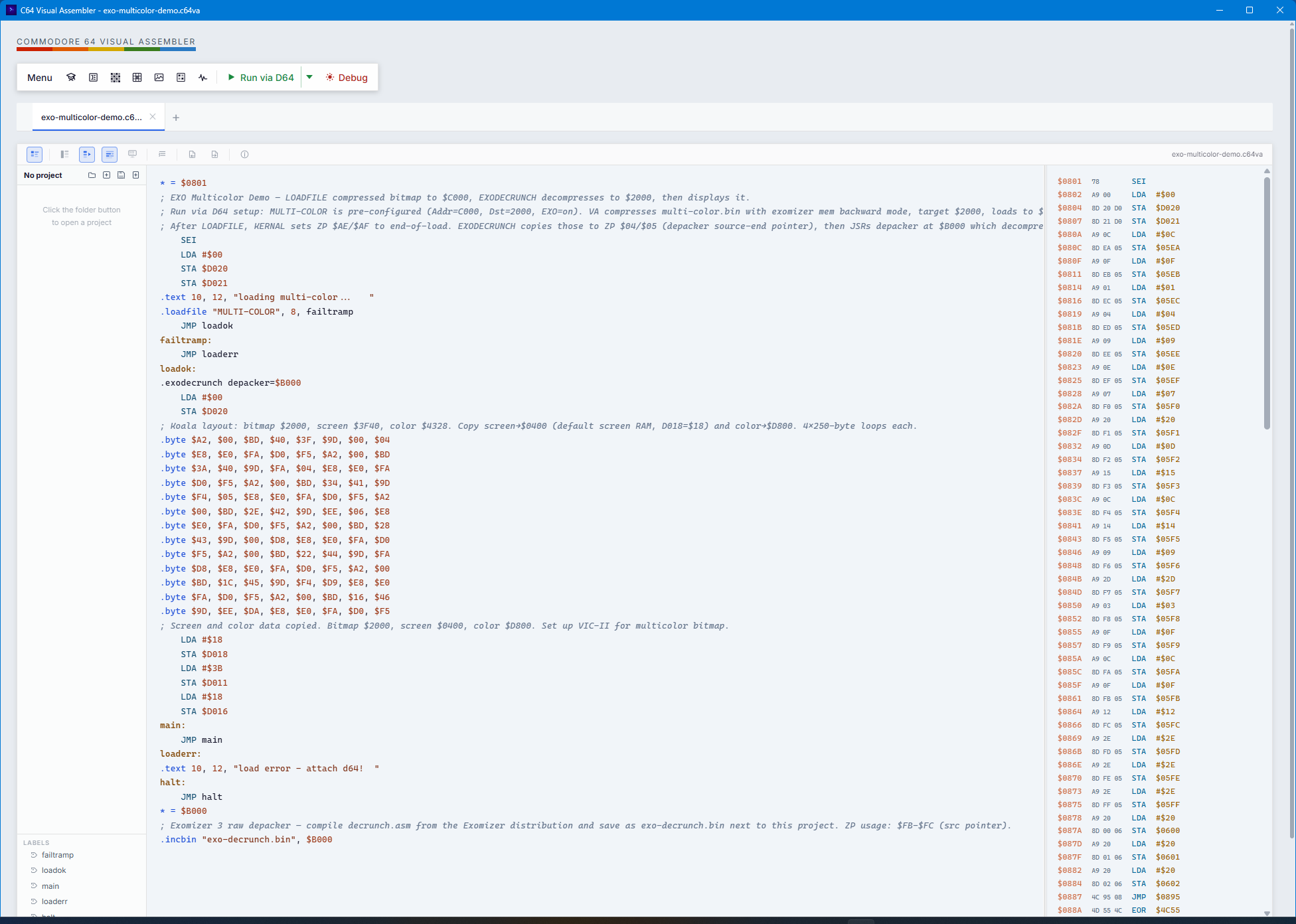
Visual Assembler is a desktop app that lets you learn and create C64 programs with a drag-and-drop, block-based editor instead of typing assembly by hand. It generates 6502 assembly and machine code in real time, making retro development faster, more visual, and easier to learn.
Perfect for beginners, retro enthusiasts, and C64 developers who want a faster way to prototype ideas, explore memory layout, and experiment with low-level code.
Visual Assembler brings modern visual workflow to classic Commodore 64 development.
If you’ve always wanted to create C64 assembly programs but didn’t want to start with a plain text editor, this is a fun and practical way to jump in.
Why it stands out
- Visual block editor for 6502 code
- Live ASM + monitor output while you build
- Memory map and origin control for real C64-style development
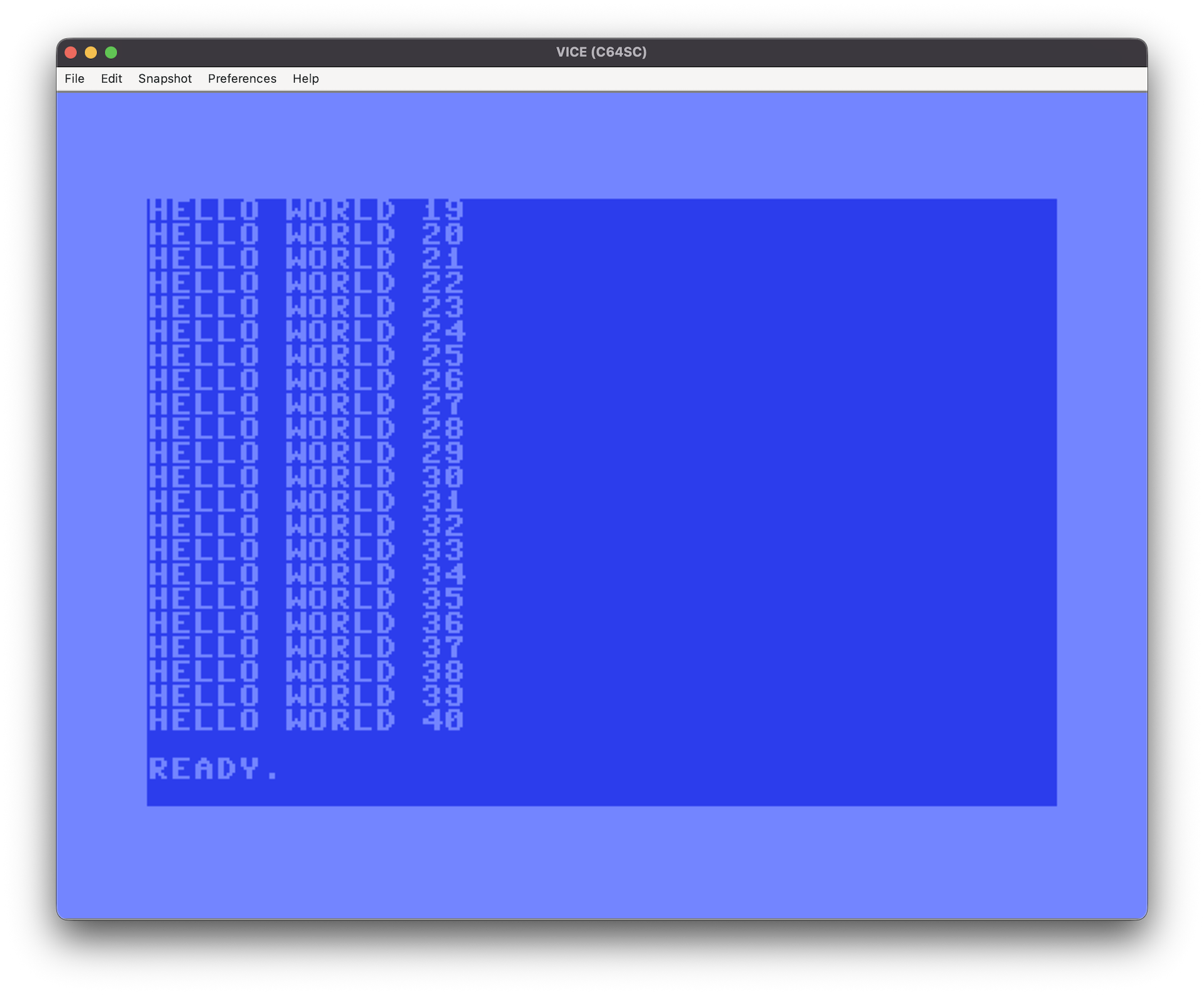
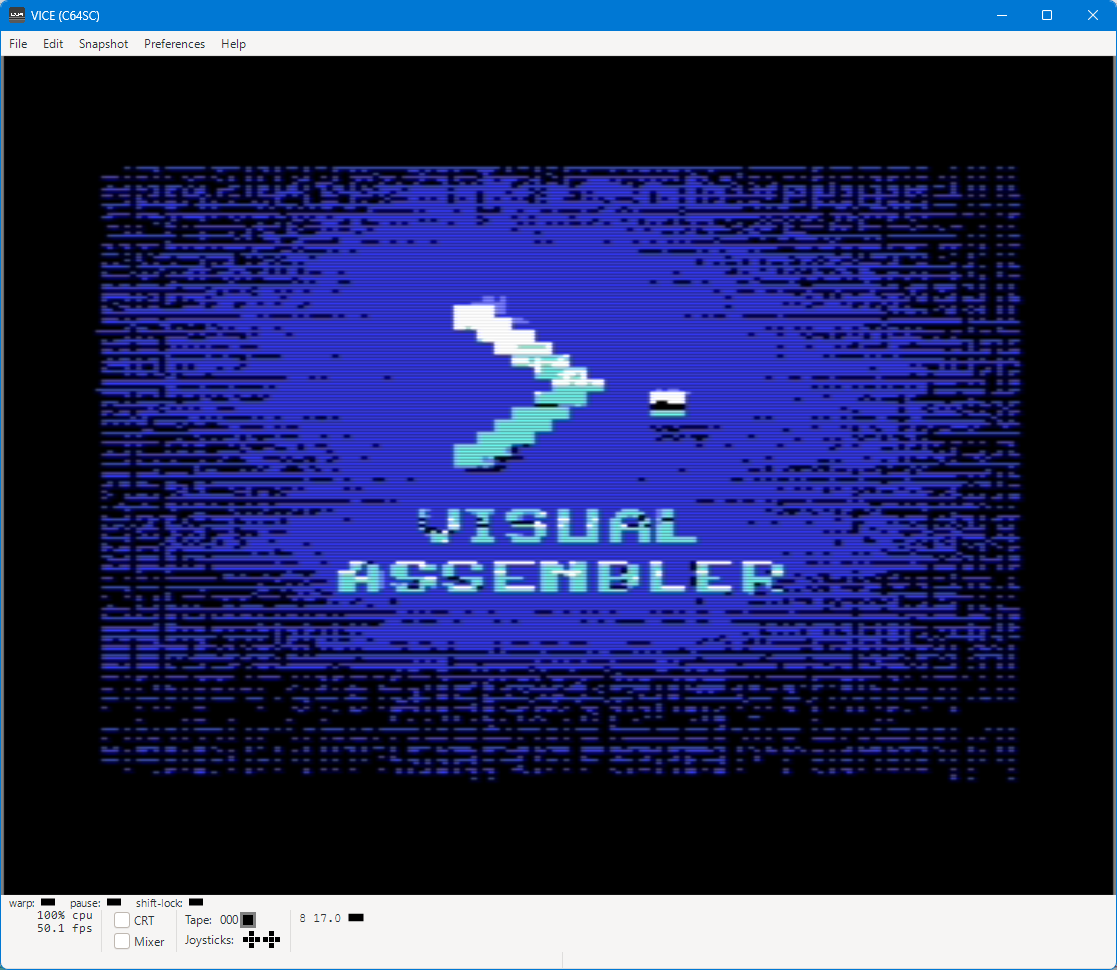
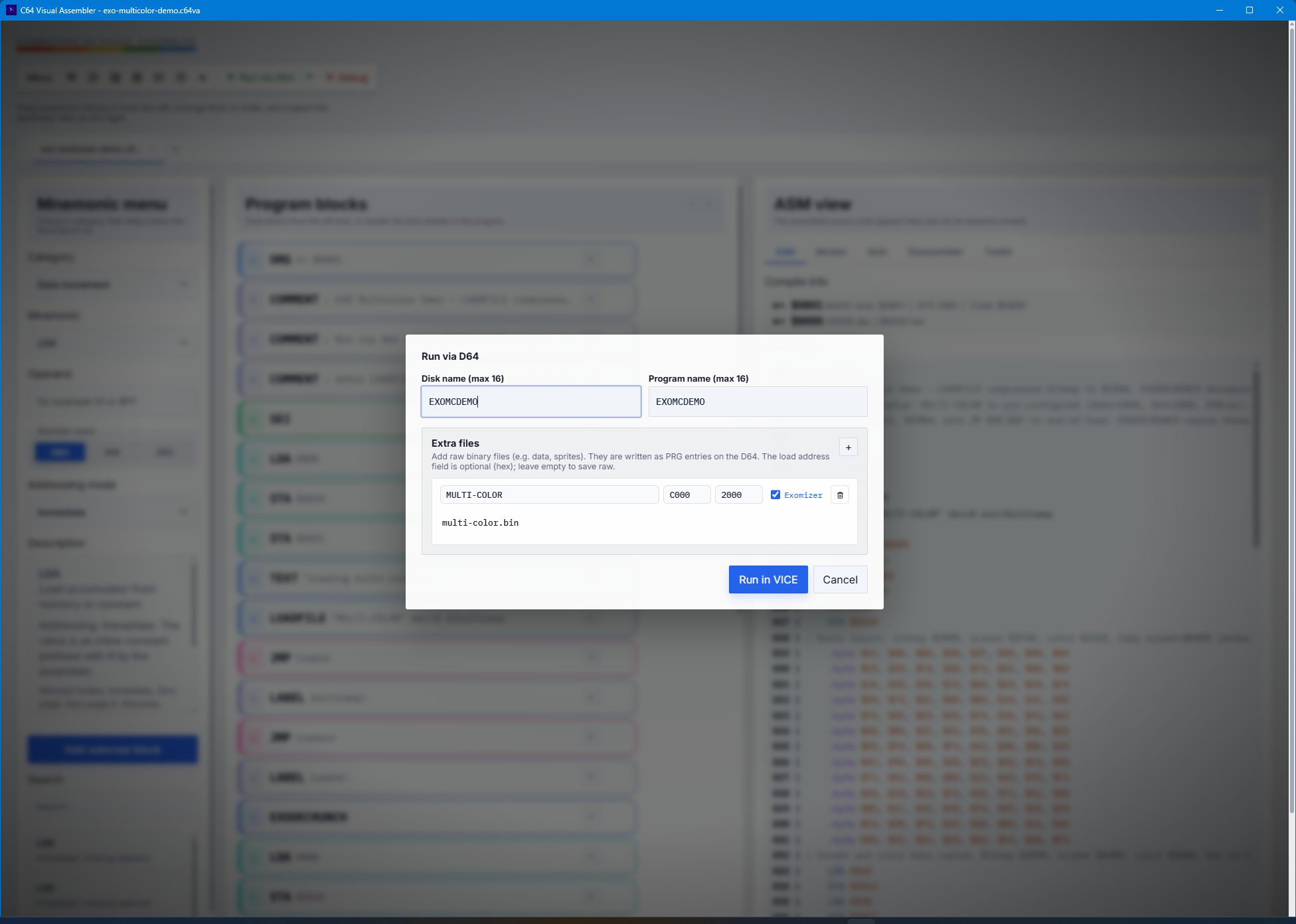
- VICE integration for one-click testing
- English, Spanish, German and Hungarian UI, with light/dark themes
Key features
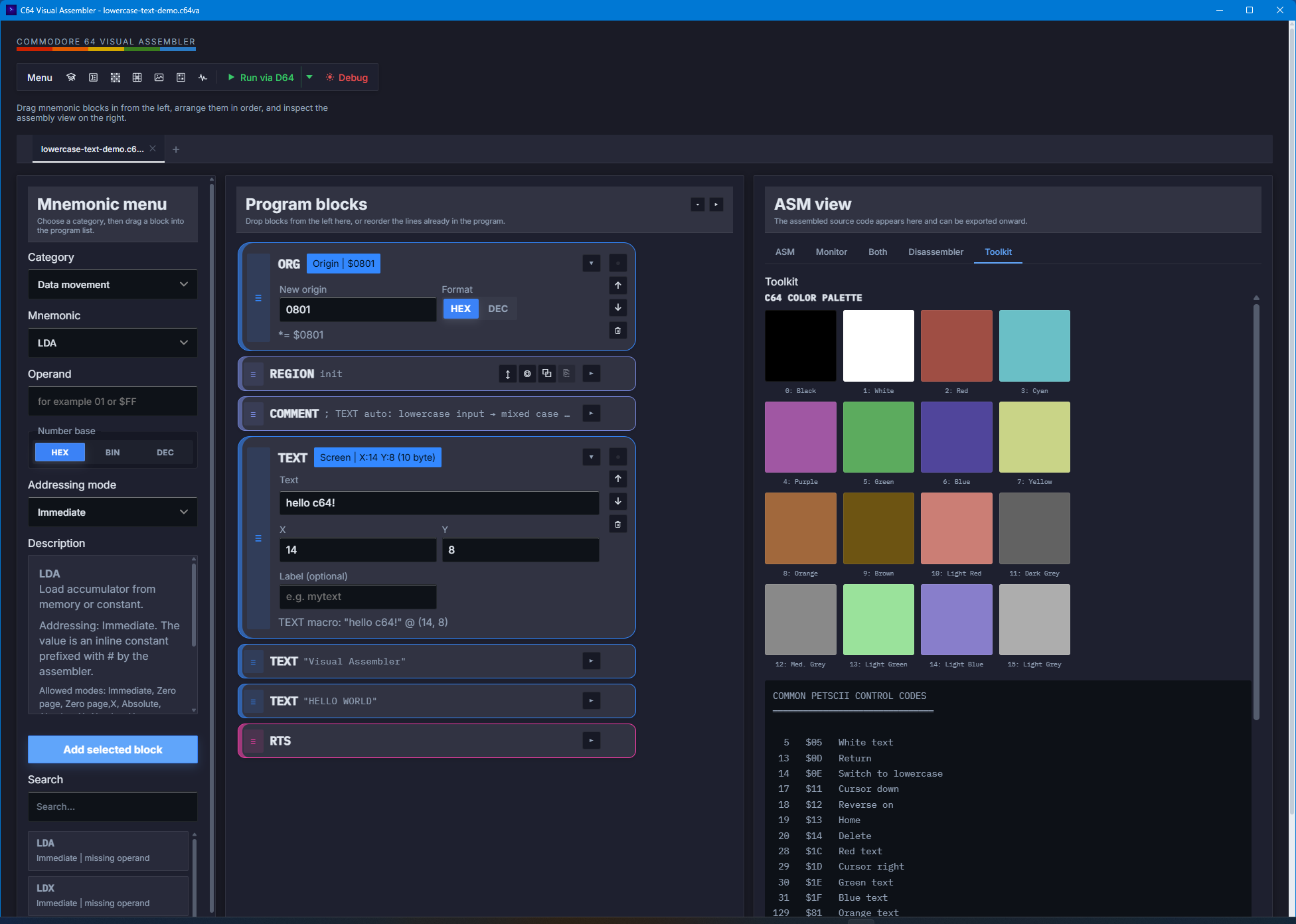
- Drag & drop instruction and macro blocks onto a program canvas
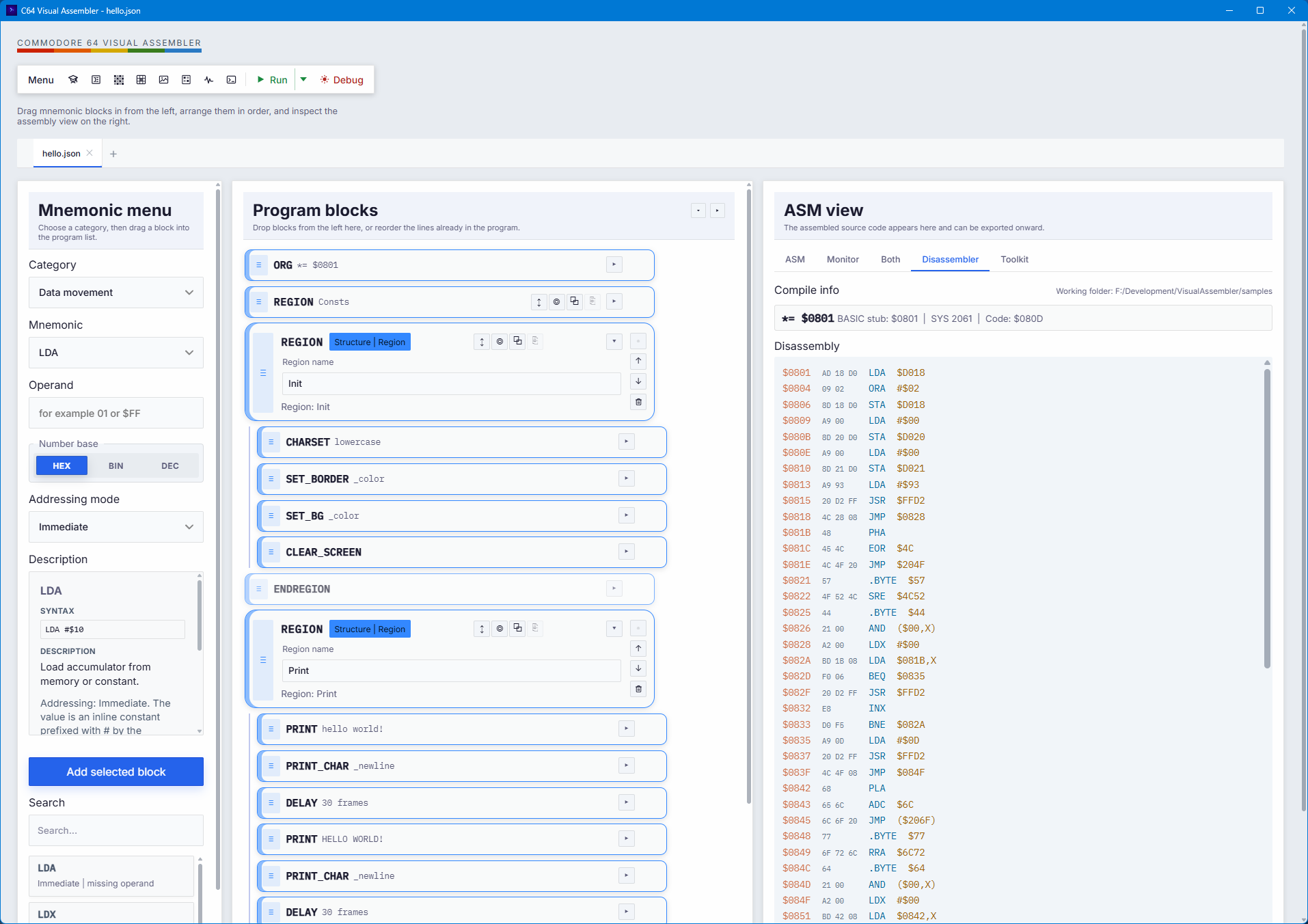
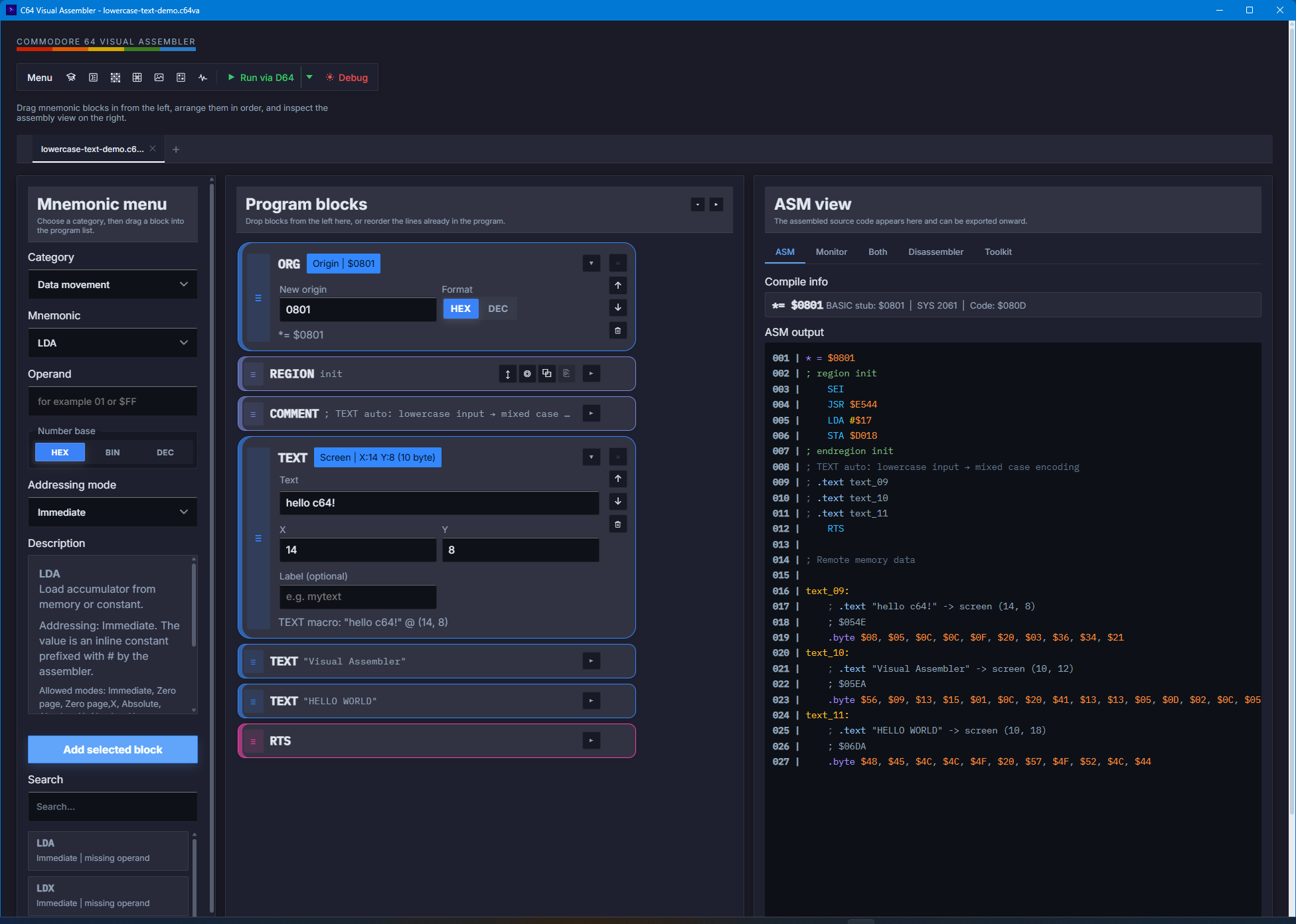
- Real-time compilation with instant byte output
- Readable ASM view with labels and comments
- Classic C64 monitor-style hex dump view
- Built-in KERNAL routine support for faster JSR / JMP workflow
- Save/load projects as JSON, export PRG, run directly in VICE
- Commodore 64 Ultimate support.
Powerful macro system
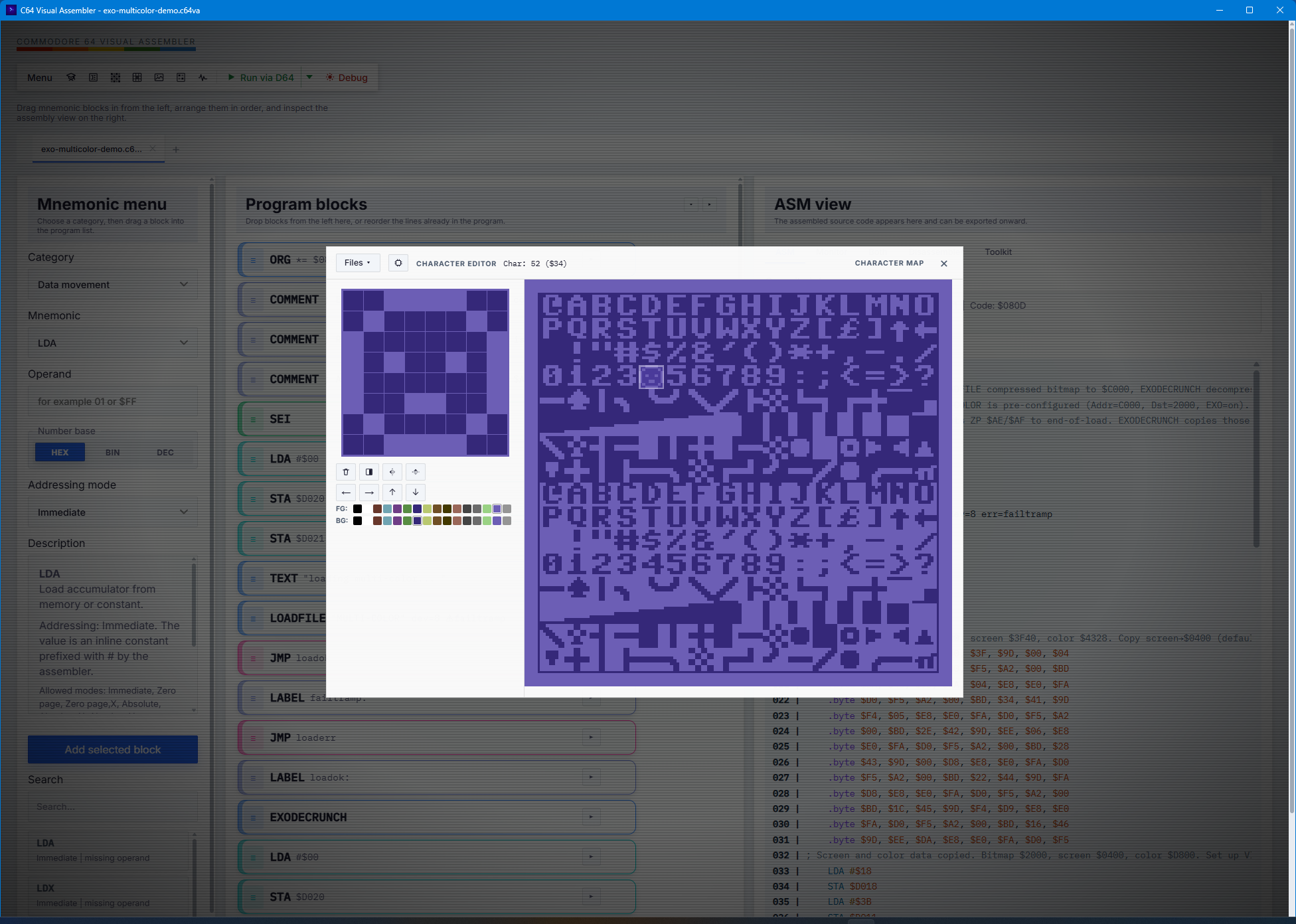
Go beyond basic opcodes with advanced visual macros such as TEXT, STRING, DATA, BYTE, WORD, FILL, ALIGN, RAWBYTES, RAWTEXT, PETSCII, CHARSET, INCBIN, SID, INCLUDE, TABLE, ORG, LABEL, COMMENT, LOOP/NEXT, FOR/ENDF, PUSH/PULL, END, MACRO/ENDM/INVOKE, REGION/ENDREGION, DEFINE/IF/ELSE/ENDIF, CONST, VAR, IF_A/X/Y, WHILE_A/X/Y, REPEAT/UNTIL_A/X/Y, ENDW, MEMCPY, MEMSET, PRINT, PRINT_CHAR, PRINT_HEX, CLEAR_SCREEN, WAIT_KEY, DELAY/WAIT, SET_BORDER, SET_BG, IRQ_SETUP, RAND, SPRITE_INIT, SPRITE_POS, WAIT_RASTER, JOYSTICK, MOUSE, SPRITE_COL, LOADFILE, EXODECRUNCH, REU_CHECK, REU_STASH, REU_FETCH, REU_SWAP, TURBO_SET, SUPERCPU_DETECT, TURBO_ENABLE, MAP_COPY, SPRITE_ANIM, and SCORE_BCD.
Made for real C64 work
- Supports standard addressing modes and classic 6502 workflow
- Includes 12 stable illegal opcodes for advanced users
- Supports BASIC SYS stub on/off and alternative load addresses
- Lets you place raw data, text, sprites, music, and tables exactly where you need them
Extra touches
- CRT retro mode with scanlines, vignette, flicker, and barrel distortion
- Clickable ASM lines highlight the matching block in the editor
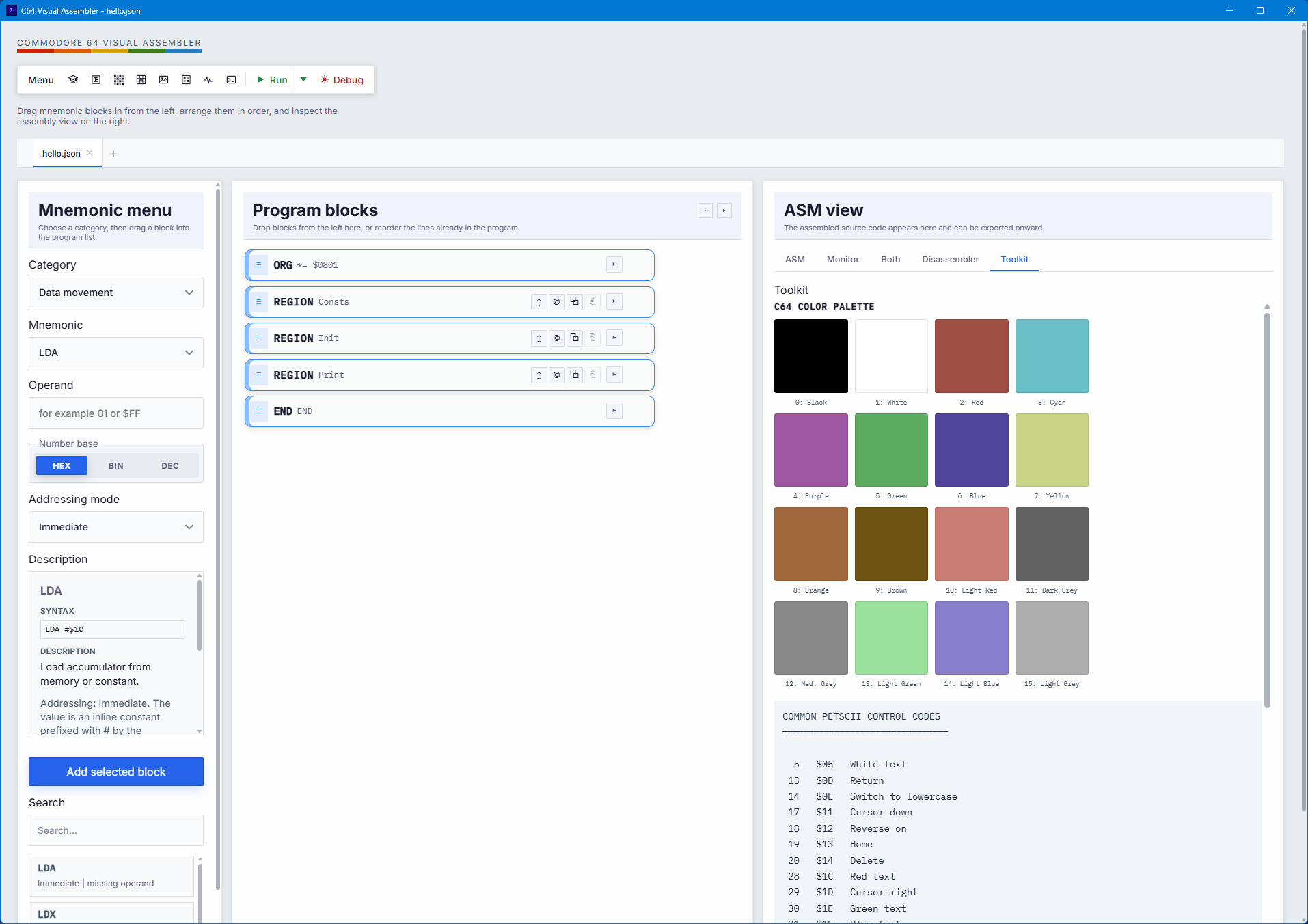
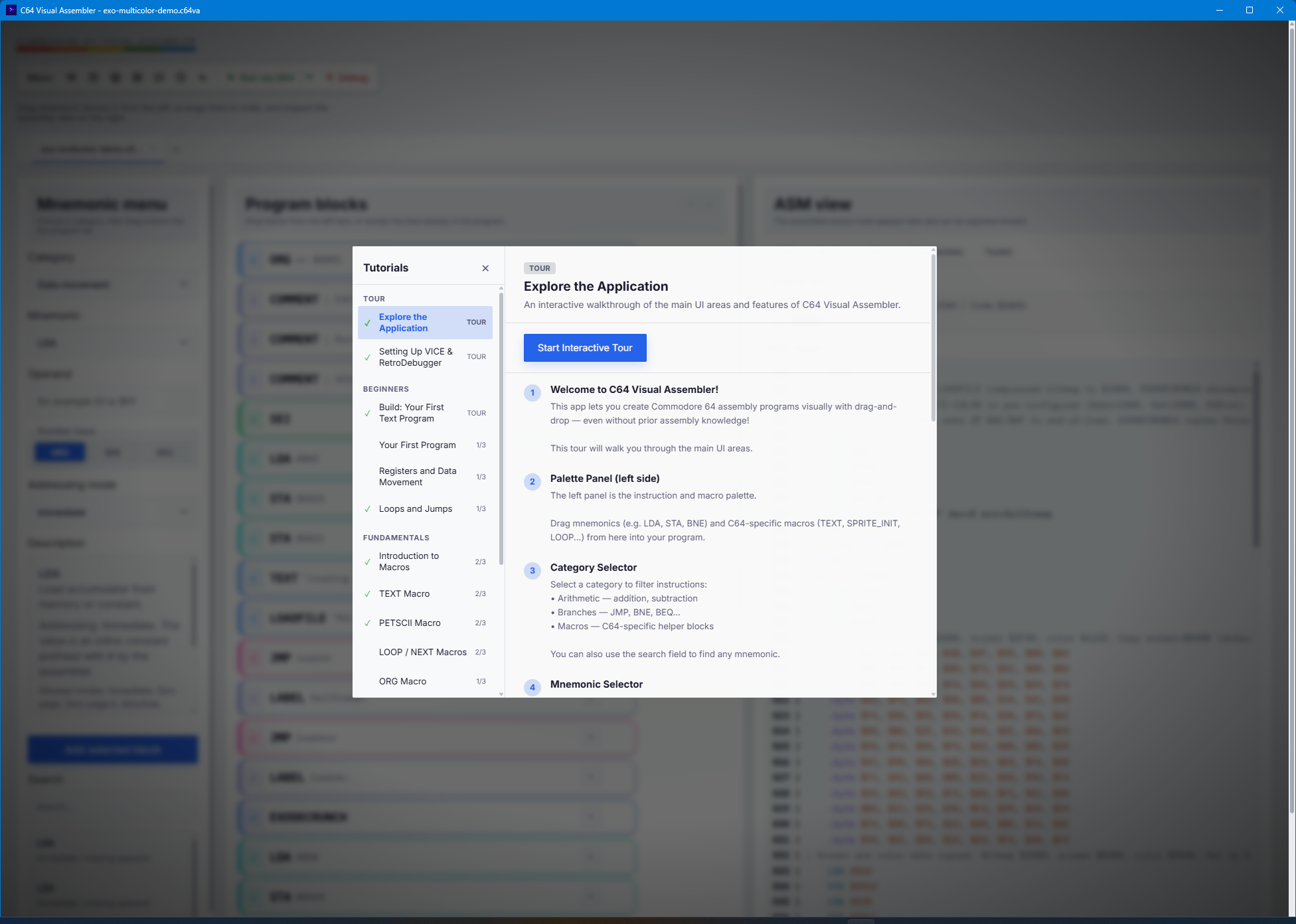
- Built-in samples and Knowledge Base links for learning faster
Platform support
- Windows 10 / 11 (x64, ARM)
- macOS 14+ on Apple Silicon (x64, Apple Silicon)
- Linux (x64)
Author
© 2026 Zsolt Tarczali — made with ❤️ for the C64 community

Mac OSX Troubleshooting:
"App is damaged" error:
- Go to System Settings → Privacy & Security
- Scroll down and click "Open Anyway" next to the blocked app message OR run in Terminal:
- xattr -cr "/Applications/C64 Visual Assembler.app"
Requirements: macOS 11.0+, Apple Silicon (M1/M2/M3/M4)
Download
Click download now to get access to the following files:
Development log
- Visual Assembler 2.2.1 is out6 days ago
- Visual Assembler 2.2.0 is out8 days ago
- Visual Assembler 2.1.8 is out10 days ago
- Visual Assembler 2.1.7 is out12 days ago
- Visual Assembler 2.1.6 is out13 days ago
- Visual Assembler 2.1.5 is out13 days ago
- Visual Assembler 2.1.4 Hotfix is out13 days ago
- Visual Assembler 2.1.3 is out14 days ago
Comments
Log in with itch.io to leave a comment.
I think, latest download is missing some files (only readme, samples and manual is included).
Would be nice to get this fixed - really like this awesome tool, thanks for creating it!
sorry, it was fixed! Thx
Thank you!
Thanks – at last, an all-in-one tool! that runs natively on my Linux system!
yes ;)
Will it work on Windows XP?
i don't think so sorry
This looks very nice. However I am not getting things working.
I am trying to import .asm files Martin Galway created (he posted several of his original asm files with his music on github). I think they were made in Zeus (not 100% sure) and when I open them in Visual Assembler I just cannot get them working. Almost every line gives me an error so I suppose it can't handle Zeus asm files. Is there a way to convert them?
This is not Zeus, it is a Laser Genius (1985)(Ocean) Assembly, but unfortunately it is not compatible with Visual Assembler.
I'll check it out, because it might be easy to write an import function in Visual Assembler. I originally wanted to support kick assembler.
thank you, I just left you some bucks ;)
thank u so much
Wow, what a gem!
Bought it yesterday, tried it right now - well done!
thx so much!
Waiting for Linux version. 😊
You could run it inside crossover or bottles, should work.
Heya! this seems a good software, but when i try to install it (With wine on linux), appears this error: Failed to install WebView2! The app can't run without it. Try restarting the installer.
sorry about that, this is a known issue, i will fix it soon
It would be useful to see a video of it being used.
yes, i know. i will make some vids soon
Thank you! Visual Assembler – Commodore 64 (2026, Zsolt Tarczali)
many thanks!
I cant make it (version 1.10) run on my m4 macbook pro, it says the downloaded archive is damanged
please try download the clean version of Visual Assembler. Thx!
thank you for swift help, it starts now (v. 1.10 clean)
i will give it a try ...
Thx!🙏
Looks very nice!
thx!